Communication Protocols Explained: UART, I2C, SPI, CAN, MQTT
In this article (13 sections)
- What is a communication protocol?
- Basic ideas you need first
- The big picture: four families of protocols
- 1. Protocols between chips on a board
- 2. Wired protocols between machines
- 3. Wireless protocols
- 4. Internet and application protocols
- UART, I2C and SPI at a glance
- Which protocol should you use?
- Your first experiments
- Common mistakes to avoid
- Frequently asked questions
- Learn communication protocols hands-on at Robozz Lab
Every time your phone talks to a speaker, a sensor tells an Arduino the temperature, or a car engine sends data to the dashboard, two devices are communicating. For this to work, both sides must agree on how to talk. That agreement is called a communication protocol, and it is one of the most important ideas in electronics, embedded systems and IoT.
What is a communication protocol?
A communication protocol is a set of rules that two or more devices follow to exchange data. The rules say how fast to send data, in what format, which device talks when, and how to check that nothing was lost or changed on the way.
Think of two people talking: they need a common language, a speed that both can follow, and a way to take turns. A protocol gives devices all three.
Without a protocol, a stream of electrical pulses is just noise. With one, the same pulses become a temperature reading, a command or a photo.
Basic ideas you need first
Almost every protocol is described using the same few ideas. Learn these once and every protocol becomes easier to understand.
The big picture: four families of protocols
| Family | Examples | Distance | Typical use |
|---|---|---|---|
| Between chips on a board | UART, I2C, SPI, 1-Wire | Centimetres to a metre | Microcontroller talking to sensors, displays and memory |
| Wired, between machines | RS-232, RS-485, CAN, USB, Ethernet | Metres to about a kilometre | Industry, vehicles, computers and networks |
| Wireless | Wi-Fi, Bluetooth, Zigbee, LoRa, cellular, RFID, NFC, infrared | Centimetres to many kilometres | Phones, smart homes, remote sensors |
| Internet and application | TCP/IP, HTTP, MQTT, CoAP, WebSockets, Modbus | Anywhere with a network | Dashboards, cloud services and device control |
1. Protocols between chips on a board
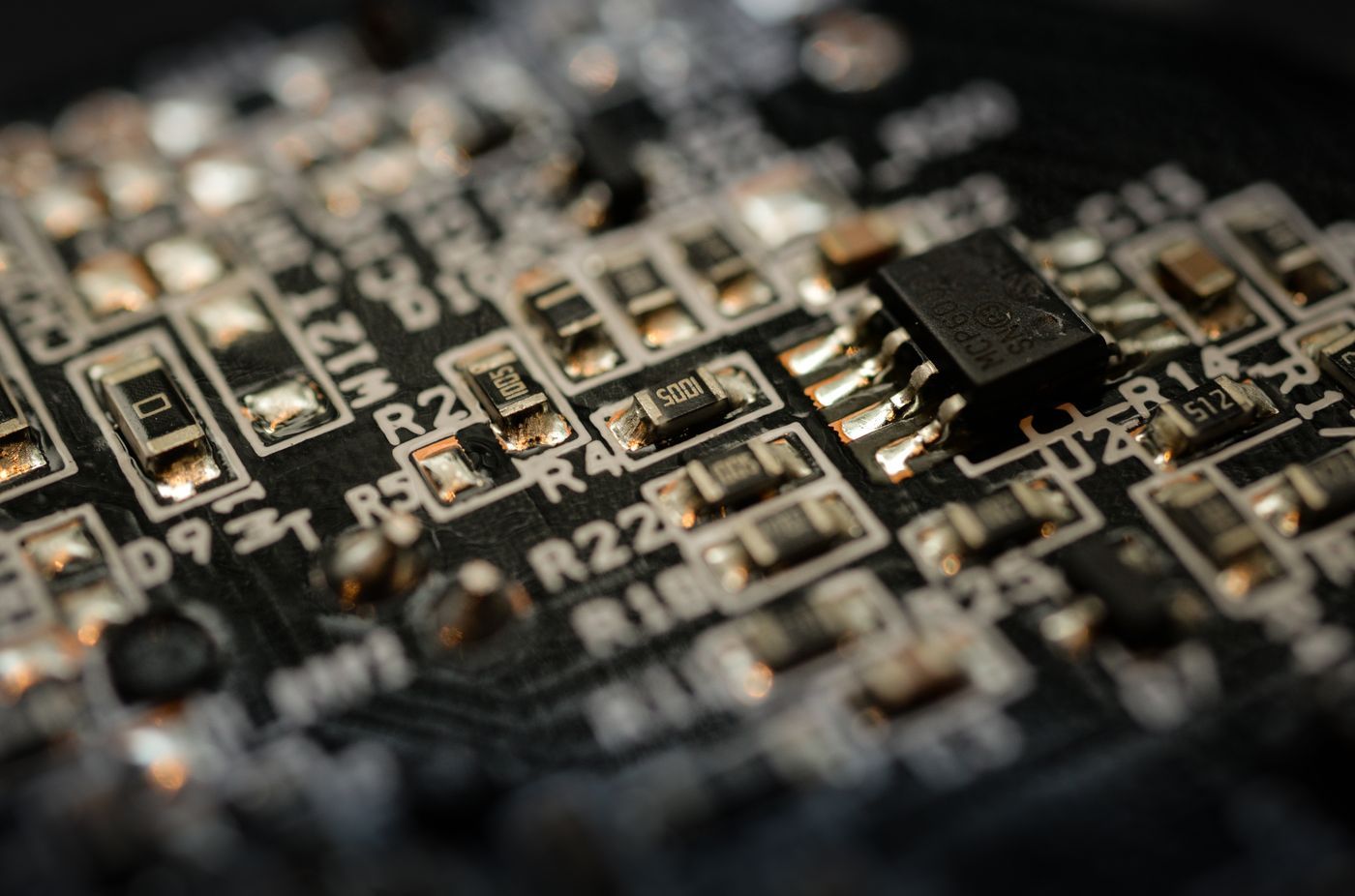
These are the first protocols that every Arduino or ESP32 user meets. They connect a microcontroller to sensors, displays, memory cards and other chips, usually over a few centimetres of wire.
UART (serial)
UART (Universal Asynchronous Receiver-Transmitter) is the simplest and oldest of the three. Two devices are joined by just two wires: the transmit pin (TX) of one goes to the receive pin (RX) of the other, and the other way round. There is no clock wire, so both sides must be set to the same baud rate, for example 9600 or 115200. Data is sent in small frames: a start bit, usually 8 data bits, an optional parity bit and a stop bit.
- Wires
- TX, RX and a common ground
- Devices
- Two (point to point)
- Speed
- Common rates: 9600 to 115200 baud
- Used in
- GPS and GSM modules, the HC-05 Bluetooth module, the Arduino Serial Monitor
Serial.begin(9600) and Serial.println("Hello"), your board sends characters over UART to your computer through the USB cable.I2C (two-wire)
I2C (Inter-Integrated Circuit, often written I²C) uses only two wires, SDA for data and SCL for the clock, and many devices can share the same two wires. Each device has its own 7-bit address, so the controller can talk to one at a time. Both wires need pull-up resistors, which many sensor boards already include.
- Wires
- SDA, SCL, plus power and ground
- Devices
- Many on one bus, each with an address
- Speed
- Usually 100 kHz or 400 kHz
- Used in
- OLED displays, real-time clocks like the DS3231, the MPU6050 motion sensor, the BMP280 pressure sensor
SPI (four-wire, fast)
SPI (Serial Peripheral Interface) is a fast, synchronous protocol. It uses a shared clock (SCK), one data line from the controller (MOSI), one data line back (MISO), and a separate chip select (CS or SS) wire for each peripheral. Because data goes both ways at once and the clock can be very fast, SPI is the choice for displays, memory cards and anything that moves a lot of data.
- Wires
- SCK, MOSI, MISO and one CS per device
- Devices
- One controller and several peripherals
- Speed
- Often several MHz or more, much faster than I2C
- Used in
- SD cards, colour TFT displays, flash memory, the RC522 RFID reader, NRF24L01 radios
1-Wire
1-Wire needs only one data wire (plus ground). Every device has a unique 64-bit ID, so several can share the same wire. It is slow, but perfect for simple sensors such as the DS18B20 temperature sensor.
2. Wired protocols between machines
When devices are far apart or in a noisy place, such as a factory floor or a car, we need protocols that are built for distance and for reliability.
RS-232 and RS-485
RS-232 is the old serial port found on early computers. It works over short distances, a few metres to about 15 metres. RS-485 is its tougher cousin. It sends the signal on a pair of wires (a differential pair), which cancels noise and allows cables of up to about 1200 metres, with many devices on the same line. That is why RS-485 is everywhere in industry, usually carrying the Modbus protocol.
- Wires
- RS-485: two (A and B) plus ground
- Devices
- Many on a shared line
- Distance
- Up to about 1200 m
- Used in
- Industrial sensors, energy meters, PLCs, building automation
CAN bus
CAN (Controller Area Network) was developed by Bosch for cars. Two wires (CAN_H and CAN_L) connect many electronic units, and every message carries an ID that says what it is and how important it is, so that urgent messages such as braking win over less urgent ones. It is robust against noise and supports speeds up to 1 Mbit/s in its classic form.
- Wires
- CAN_H and CAN_L (differential pair)
- Devices
- Many nodes, all can send
- Speed
- Up to 1 Mbit/s (classic CAN)
- Used in
- Cars and other vehicles, lifts, industrial machines
USB and Ethernet
USB connects a host (your computer) to devices such as keyboards, storage and Arduino boards. Most Arduino boards have a small chip that converts USB into UART, which is why the Serial Monitor works. Ethernet is the wired network that connects computers, routers and many industrial devices, at speeds of 10, 100 or 1000 Mbit/s and more.
3. Wireless protocols
Wireless protocols move data through radio waves (or light) instead of wires. The big trade-off is always range, speed and power: you can rarely have all three.
Wi-Fi
Wi-Fi (based on the IEEE 802.11 standards) gives high speed and direct access to the internet, but it uses more power. The ESP32 has Wi-Fi built in, and the original ESP32 works on the 2.4 GHz band. It is the first choice for IoT devices that sit near a router, such as smart plugs and home sensors.
Bluetooth and BLE
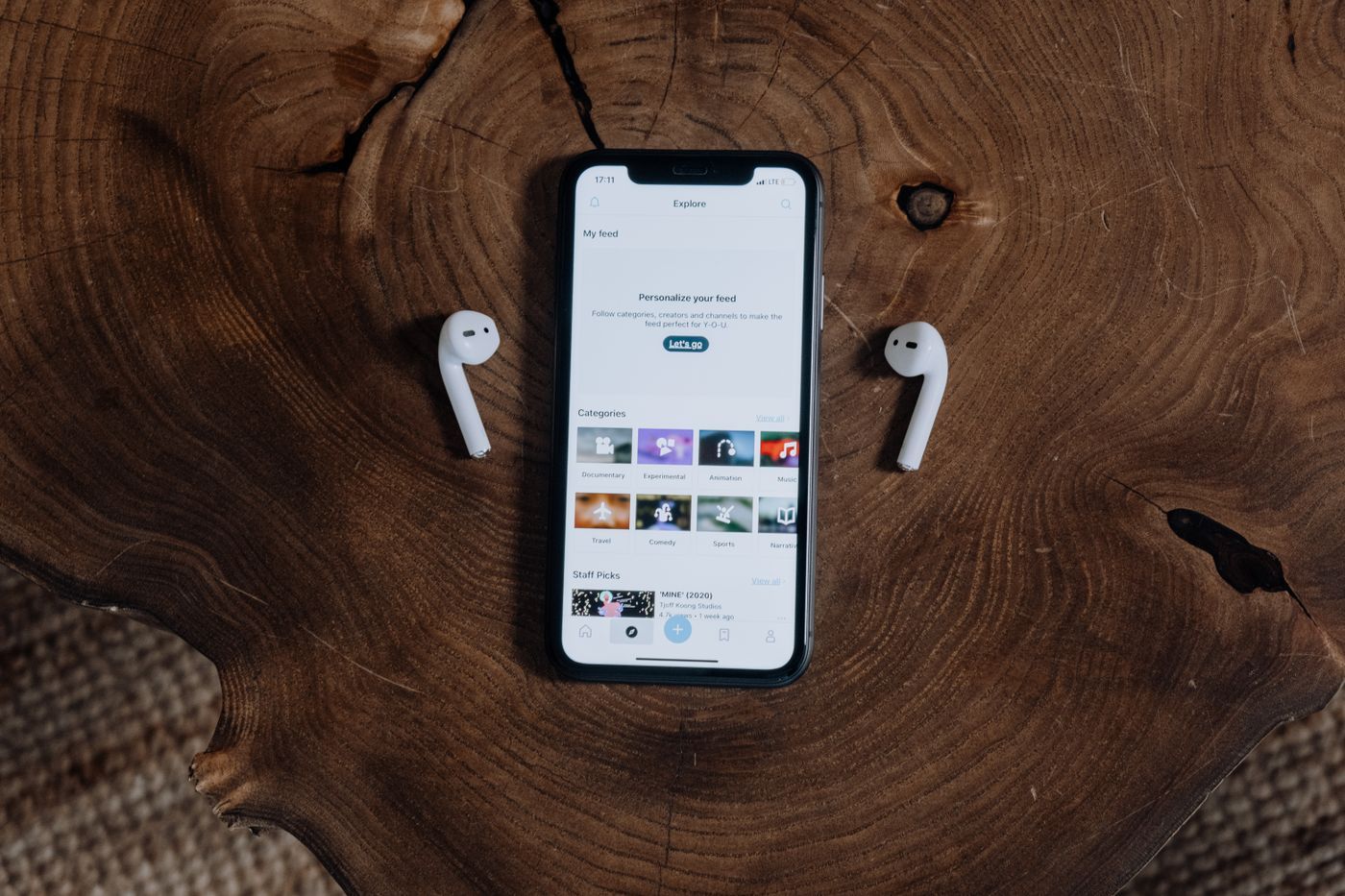
Bluetooth Classic is used for audio and for modules such as the HC-05. Bluetooth Low Energy (BLE) sends small bits of data using very little power, so it is used in fitness bands, beacons and battery-powered sensors. Range is usually around 10 metres. The ESP32 supports both.
Zigbee
Zigbee is a low-power wireless protocol built on the IEEE 802.15.4 standard. Its devices form a mesh, so each one can pass messages on for others and extend the range. It is common in smart bulbs, door sensors and home automation hubs.
LoRa and LoRaWAN
LoRa is a radio technology made for long range and very low power. It can cover kilometres, but only carries small amounts of data slowly, which is exactly right for a soil sensor in a far field or a water-level sensor. LoRaWAN is the network protocol that runs on top of it. In India the 865 to 867 MHz band is used for this kind of device.
Cellular: GSM, 4G and NB-IoT
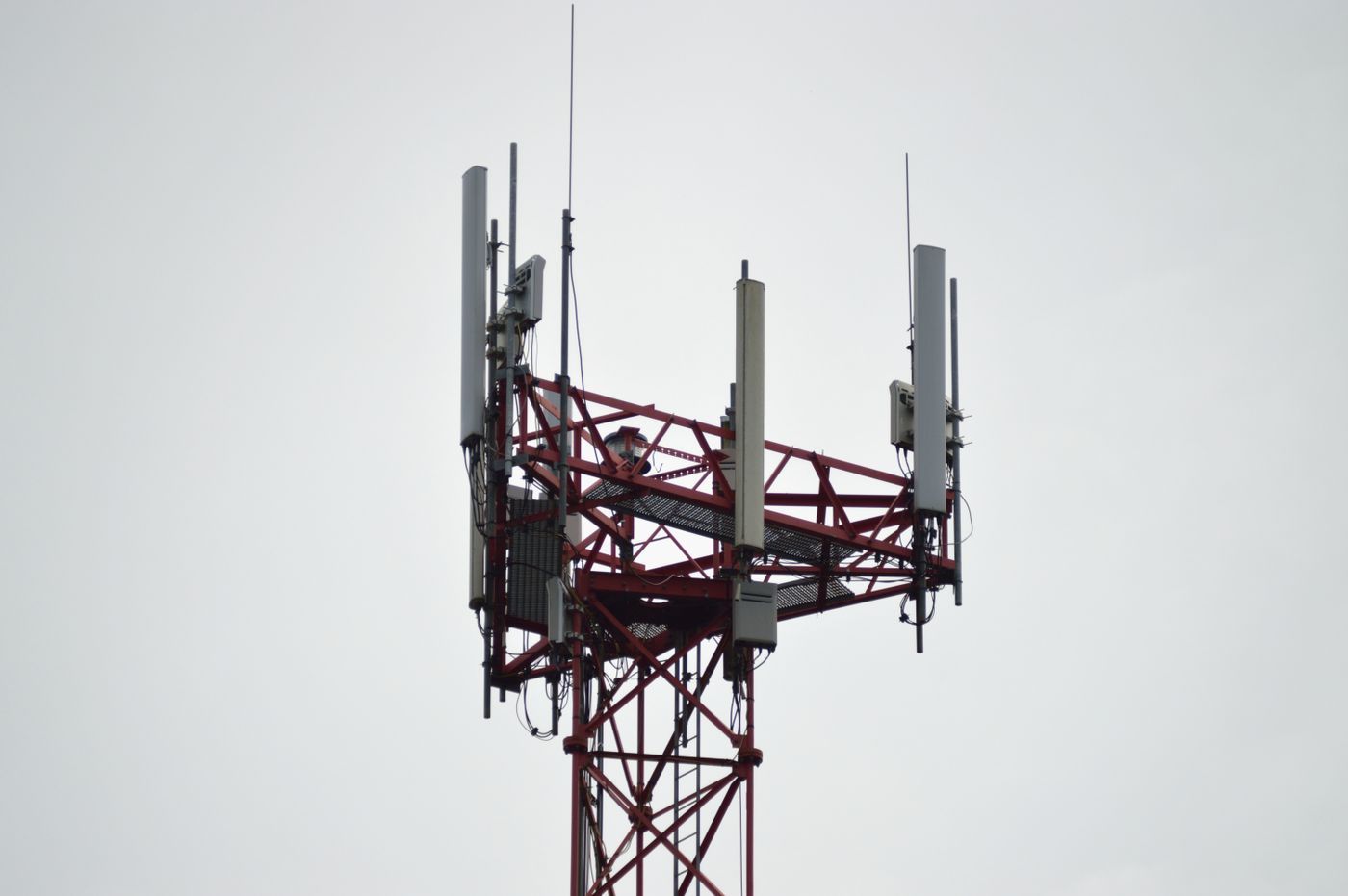
Cellular networks use a SIM card and cover very large areas. They are used for vehicle trackers, smart meters and remote alarms that must work far from any Wi-Fi. NB-IoT is a cellular version made for low-power devices. Many older 2G modules are becoming unreliable because 2G networks are being phased out, so check what your network supports before you buy a module.
RFID, NFC and infrared
RFID and NFC work over a few centimetres. They are used for access cards, attendance systems and contactless payment. The common RC522 module reads 13.56 MHz cards and talks to the microcontroller over SPI. Infrared (IR) sends data with invisible light, as in a TV remote, and needs a clear line of sight.
4. Internet and application protocols
Once data can reach a network, it needs rules for how applications exchange messages. These protocols run on top of Wi-Fi or Ethernet.
TCP/IP and HTTP
TCP/IP is the set of rules that moves data around the internet. HTTP runs on top of it and is how a browser asks a web server for a page. An ESP32 can act as a tiny web server that answers HTTP requests, which is how you can switch an LED from a phone browser.
MQTT
MQTT is the most popular protocol for IoT. It is light and uses a publish and subscribe model. A device publishes a message to a named topic (for example home/room1/temperature), and any device that has subscribed to that topic receives it, through a middle server called a broker. A device sends only when there is something to say, which saves power and data.
- Model
- Publish and subscribe through a broker
- Runs on
- TCP/IP (Wi-Fi or Ethernet)
- Default port
- 1883 (8883 with encryption)
- Used in
- Smart homes, sensor dashboards, industrial IoT
CoAP, WebSockets and Modbus
CoAP is a very light, HTTP-like protocol made for tiny devices. WebSockets keep a two-way connection open, which is good for live dashboards. Modbus is a simple, old and very widely used industrial protocol, usually carried over RS-485 (Modbus RTU) or over Ethernet (Modbus TCP).
UART, I2C and SPI at a glance
| UART | I2C | SPI | |
|---|---|---|---|
| Wires | 2 (TX, RX) | 2 (SDA, SCL) | 4 or more (SCK, MOSI, MISO, CS) |
| Clock | No (asynchronous) | Yes | Yes |
| Devices | 2 | Many, by address | Many, one CS wire each |
| Speed | Slow to medium | Medium | Fast |
| Complexity | Very simple | Simple, needs pull-ups | More wires, easy code |
| Best for | Modules and a PC link | Sensors and small displays | SD cards and fast displays |
Which protocol should you use?
- Reading a sensor or a small OLED on the same board: use I2C, because many devices share two wires
- A fast colour display or an SD card: use SPI, because it moves data quickly
- Two boards or a module such as GPS: use UART, because it is the simplest
- A long cable in a factory: use RS-485, because it survives distance and noise
- A vehicle or machine with many controllers: use CAN, because it is built for it
- A phone nearby and low power: use BLE
- A dashboard on the internet: use Wi-Fi with MQTT or HTTP
- A sensor far away with no Wi-Fi and only small data: use LoRa
Your first experiments
Reading about protocols is useful, but you only really understand them when you see data move. Try these in order:
- Step 1Print values on the Arduino Serial Monitor and change the baud rate on one side to see garbage appear. That is UART.
- Step 2Connect two Arduinos with TX to RX, RX to TX and a common ground, and send a message from one to the other.
- Step 3Connect an I2C OLED or a sensor and run the I2C scanner below to find its address.
- Step 4Read and write a file on an SD card to see SPI at work.
- Step 5Make an ESP32 connect to Wi-Fi and send a sensor reading to a web page or an MQTT broker.
Here is the classic I2C scanner. Connect any I2C device, upload this code and open the Serial Monitor at 9600 baud. It prints the address of every device it finds.
#include <Wire.h>

void setup() {
  Serial.begin(9600);
  Wire.begin();
}

void loop() {
  for (byte address = 1; address < 127; address++) {
    Wire.beginTransmission(address);
    if (Wire.endTransmission() == 0) {
      Serial.print("Found device at 0x");
      Serial.println(address, HEX);
    }
  }
  delay(3000);
}
Common mistakes to avoid
- Different baud rates: if the two UART devices do not use the same speed, you will see strange characters
- TX to TX: the transmit pin of one device must go to the receive pin of the other
- No common ground: all devices must share the same ground wire
- Voltage mismatch: a 5 V device can damage a 3.3 V pin of an ESP32, so use a level shifter
- I2C without pull-up resistors, or two devices with the same address on one bus
- Long wires on I2C and SPI, which cause errors at higher speeds
- Forgetting to set the chip select line for an SPI device
Frequently asked questions
What is a communication protocol in simple words?
It is a set of rules that two devices follow to exchange data. The rules cover the speed, the format of the data, who talks when, and how to detect errors.
What is the difference between UART, I2C and SPI?
UART uses two wires and no clock, and connects two devices. I2C uses two wires and a clock, and many devices share them by address. SPI uses four or more wires and is the fastest of the three.
Which is faster, I2C or SPI?
SPI is faster. I2C usually runs at 100 or 400 kHz, while SPI often runs at several MHz or more. I2C needs fewer wires, though.
Is Wi-Fi a communication protocol?
Wi-Fi is a wireless networking standard (IEEE 802.11). Other protocols, such as TCP/IP, HTTP and MQTT, run on top of it.
What protocol should I use for an IoT project with an ESP32?
Use I2C or SPI to talk to sensors and displays, and Wi-Fi with HTTP or MQTT to send the data to a phone or the cloud.
Which protocol do cars use?
Most cars use the CAN bus to connect the engine, brakes, dashboard and other electronic units.
What does master and slave mean in I2C and SPI?
The master (now often called the controller) starts the communication and controls the clock. The slaves (peripherals) respond. Many newer documents use the terms controller and peripheral.
Learn communication protocols hands-on at Robozz Lab
At Robozz Lab in Indore we teach these protocols with real hardware: UART with modules and the Serial Monitor, I2C and SPI with sensors and displays, and Wi-Fi, Bluetooth and MQTT with the ESP32. You wire each circuit yourself with a trainer next to you, so you see exactly what is happening on every wire. This article is a map of the whole subject. We will publish a separate, detailed article on each protocol soon, so keep an eye on this blog.
Have a question? Message us on WhatsApp.
Talk to the Robozz Lab team directly about projects, school labs, training or internships.