← All courses
Intermediate · 4 weeks

PCB Design with Autodesk EAGLE

Design your own circuit board: schematic, board layout, Gerber files and a ready-to-print PCB.

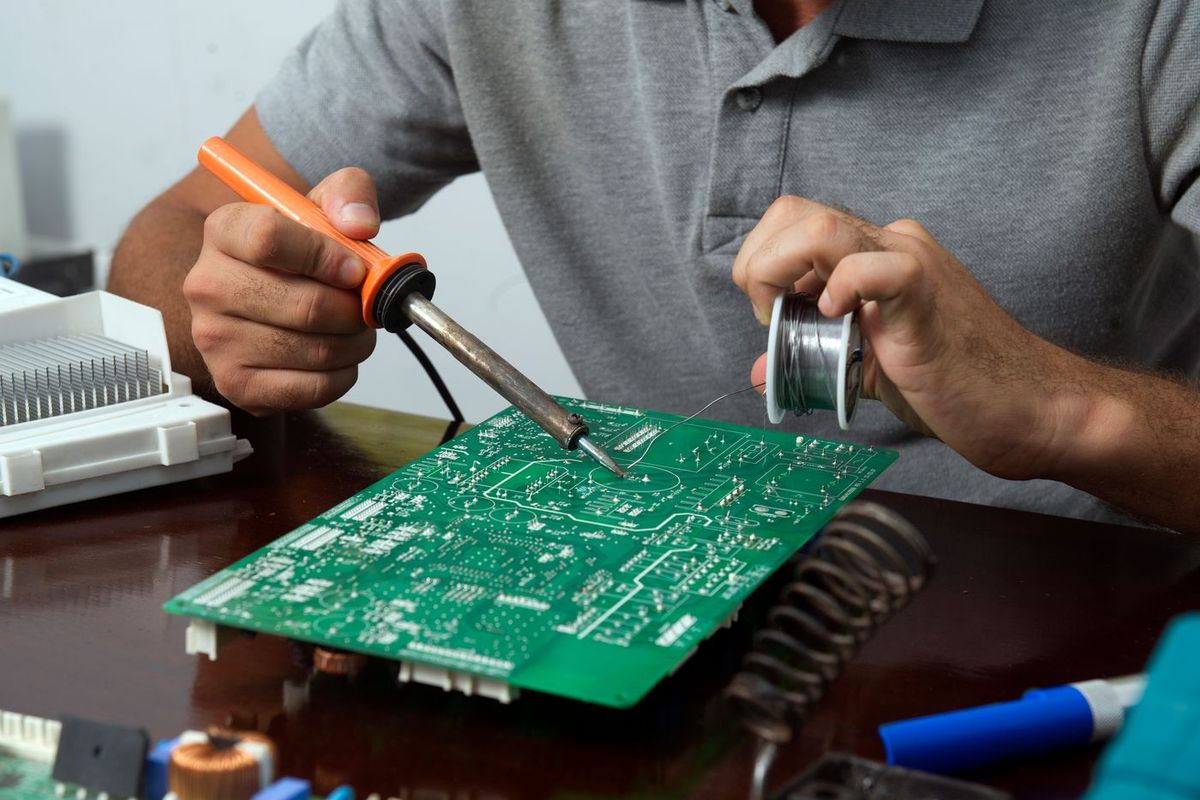
Close-up of copper tracks and pads on a printed circuit board

At a glance

Level
Intermediate
Duration
4 weeks
Mode
Live on Zoom, or in person at the Robozz Lab, Indore
Schedule
Batch dates and timings are shared after enrollment
Who it is for
Diploma and engineering students, and makers who know basic electronics
📍 Also available offline in Indore

Sundaram Complex, 126, 1st Floor, Bhawarkua Main Road (above Canara Bank), Indore, Madhya Pradesh 452001. Open Mon to Sat, 10am to 7pm. You are welcome to visit the lab and see a demo before you join. View on map

What you will build

1
A complete schematic and board layout
2
A custom component library
3
An ESP32 or Arduino based PCB, ready for fabrication

What you will learn

  • Draw a clean schematic and check it with ERC
  • Place and route a two-layer board using good design rules
  • Create your own parts and footprints from a datasheet
  • Export Gerber and drill files and prepare a bill of materials

Week by week

  1. Week 1PCB basics and schematicsWhat a PCB is, layers, footprints, the EAGLE interface, schematic capture, nets and ERC
  2. Week 2Board layoutBoard outline, part placement, design rules, trace width and clearance, routing, ground pour and DRC
  3. Week 3Your own partsReading datasheets, building a library and footprints, power and signal layout tips, an ESP32 or Arduino shield
  4. Week 4From design to boardGerber and drill files, bill of materials, ordering a board, soldering and testing, and a final project

Tools and software

Autodesk EAGLEA Windows laptop or PCMultimeter (optional)
Software note. Autodesk has announced that EAGLE is being phased out in favour of the electronics tools in Fusion. We teach the workflow, which is the same in both (and in tools like KiCad). Please check the software availability when you join.

What is included

  • Live classes with doubt solving
  • Design files and library for every exercise
  • Review of your own board design
  • Certificate of completion

Questions

How do I enroll?

Message us on WhatsApp with the course name. We share the next batch dates and the payment details, and you can enroll the same way.

Who is this course for?

Diploma and engineering students, and makers who know basic electronics.

What if I need a refund?

Please read our cancellation and refund policy. In short, you can cancel before the first class of your batch for a full refund. Read the refund policy

More courses

WhatsApp Us